TB II Tower Defense X BETA TDX Scripts & Macros
Autofarm, auto place/upgrade, and macro tools with loadstrings — use at your own risk.
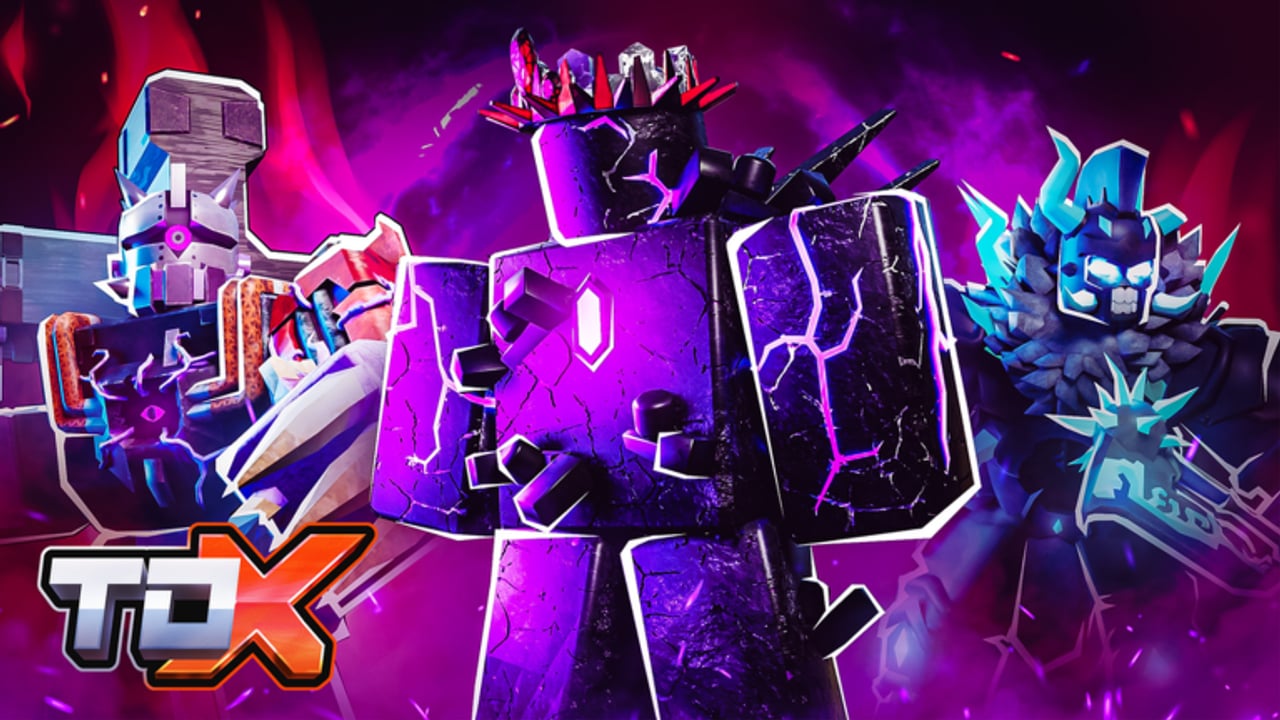
This hub documents community scripts and macros players use in Tower Defense X (TDX) for autofarming Easy modes, auto-placing towers, auto-upgrading, voting/skipping, and replaying Expert macros. It exists so you can see what tools claim to do, how loadstrings are typically run, and why most serious accounts should still prefer manual play.
Using third-party scripts can get your Roblox account warned, banned, or wiped. Executors and injectors violate Roblox Terms of Use. This wiki does not encourage cheating in ranked or competitive contexts. If you proceed anyway, prefer keyless tools you understand, never share account cookies, and accept that many scripts break after every TDX patch.
For legitimate progression, use Codes, the Guides hub, Getting Started, Tier List, and Players instead of automation. Scripts are a last resort for grinding, not a substitute for learning dual upgrade paths, tower HP management, or land/air/sea placement.
Safety rules before you paste anything
- Expect bans. Anti-cheat and report systems improve over time. “Everyone uses it” is not protection.
- Prefer keyless scripts when you insist on trying one. Key systems that demand Discord joins, shady link shorteners, or account logins are higher risk.
- Never paste unknown loadstrings into your main. Test on a throwaway if you must experiment.
- Assume patch breakage. TDX updates, especially during the TB II Collab era, routinely break macros until authors republish.
- Do not combine multiple autofarms in one session. Overlapping place/upgrade loops cause desyncs and louder detection patterns.
- Keep Roblox 2FA on and never hand an executor your password.
If your goal is learning the game, close this page and open Guides. If your goal is understanding what the community automates, keep reading.
What TDX scripts usually automate
Most public TDX tools cluster around the same feature set:
- Autofarm / Easy clear loops — rejoin or rematch Easy maps for Gold, XP, and Battle Pass Tokens with minimal input.
- Auto place — drops a saved tower layout at wave start so you skip manual placement.
- Auto upgrade — spends in-match Cash along dual upgrade paths when thresholds are met.
- Auto vote / skip / speed — accelerates lobby votes, wave skips, and match speed where the UI allows.
- Macro replay — records a successful Expert or Singularity clear and plays inputs back with timing.
- Auto join — hops into a preferred mode or private server flow after a crash or end screen.
Macros shine on long Expert or collab maps where one misclick wastes twenty minutes. Autofarms shine on Easy Ranger-style loops when you only care about passive currency. Neither replaces knowing which towers belong on Tier List picks.
Featured scripts (loadstrings)
Loadstrings change when authors republish. If a link 404s or errors, the script is likely patched or taken down. Paste only inside a trusted executor environment you already accept the risk for.
1. ArcHub Macro (keyless)
Broad macro suite aimed at auto join, vote, skip, speed controls, and general macro playback.
loadstring(game:HttpGet("https://getshadowhub.xyz/api/script/8_vSycaQZse0hk3Tp4-v"))()Notes: Marketed as keyless. Useful if you want lobby automation plus macro hooks without a separate key gate. Still detectible; still against ToS.
2. AutoPlace Auto Upgrade Autofarm
Focuses on automatic placement, upgrades, and farm loops for standard TDX sessions.
loadstring(game:HttpGet("https://raw.githubusercontent.com/NukeVsCity/Scripts2025/refs/heads/main/TowerDefX"))()Notes: Typical all-in-one farm stack. Confirm the raw file still exists before relying on it after a game update. Disable auto-upgrade if it dumps Cash into the wrong dual path for your map.
3. TDX AUTO EXPERT (EggHub macro)
Community macro oriented toward Singularity Expert and similar high-difficulty clears. Search current mirrors for the latest EggHub TDX AUTO EXPERT release when the previous paste breaks — authors often rotate hosts after patches.
Notes: Expert macros are brittle. Map pathing, enemy spawn timing, and tower HP changes during the TB II Collab can invalidate a recording overnight. Always verify the macro matches the live map before AFK’ing.
4. TDX Auto Easy mode (Blox Out Easy Ranger farm)
Easy-mode autofarm style tool used for low-effort Ranger / Easy loops. Like other Easy farms, it trades skill expression for Gold and XP over time.
Notes: Easy farms are the most common ban-bait because they run for hours. Cap sessions, watch for kick loops, and do not leave valuable limiteds on the same account if you are risk-averse.
5. TDX Macro (couldntBeT)
General-purpose TDX macro loader:
loadstring(game:HttpGet("https://raw.githubusercontent.com/couldntBeT/Main/refs/heads/main/Main.lua"))()Notes: Another raw GitHub-style entry point. Inspect the file when possible; random Main.lua renames are a common malware vector in the wider Roblox script scene.
How people typically run a loadstring
- Install an executor (itself a ToS violation — choose nothing on a main you care about).
- Join Tower Defense X (place 9503261072).
- Paste the
loadstring(game:HttpGet("..."))()line into the executor. - Execute, then configure GUI toggles for place, upgrade, vote, or macro slots.
- Start with a short supervised run. If placements miss pads or upgrades eat Cash wrong, stop immediately.
If the HttpGet fails, the host is down. Do not “fix” the problem by downloading random .exe mirrors from chat.
Scripts vs learning the game
TDX rewards understanding dual upgrade paths, tower HP, and land / air / sea coverage more than raw APS numbers. A macro that clears Easy will not teach you when to hold Cash for a late air spike on Expert. Use Getting Started and the Guides hub to build real fundamentals, Tier List for unit priority, Players for loadout ideas, and Updates so you know when a patch invalidated last week’s farm.
During the TB II Collab (Raze the Void) event window, expect more frequent balance and map tweaks. That is exactly when macros die and when manual players pull ahead.
Ethics and reporting
- Do not harass players who play vanilla.
- Do not advertise scripts inside official Discord in ways that break server rules — read Official Links and follow staff guidelines.
- If a script steals a session cookie or opens phishing pages, stop, change your password, and enable 2FA.
Bottom line
Scripts exist. Many autofarm and macro loadstrings still circulate for TDX. They can ban you, they get patched constantly, and they teach you less than a single clean Expert clear. Redeem Codes, follow Guides, and treat this hub as documentation of risk — not a recommendation.
Frequently Asked Questions
Quick answers to the most common Tower Defense X questions.
Are Tower Defense X scripts safe?
No script is fully safe. Any executor or injected loadstring can ban your account or steal data. Prefer manual play on accounts you care about.
What do TDX scripts usually do?
Common features are autofarm, auto place, auto upgrade, auto vote/skip/speed, auto join, and macro replay for Expert clears.
Why did my TDX script stop working?
Game updates break offsets and UI hooks. Authors must republish. During TB II Collab patches, expect frequent downtime.
Should I use a keyless script?
If you insist on scripting, keyless tools reduce phishing and key-spam risk, but they are still bannable and still against Roblox Terms of Use.
Can scripts get me banned in Tower Defense X?
Yes. Roblox and experience anti-cheat can warn or ban accounts that use executors, autofarms, or macros.
Is there a legit alternative to autofarming?
Redeem Codes, clear Easy manually while learning placements, follow Guides and Tier List picks, and use co-op for harder maps instead of AFK farms.